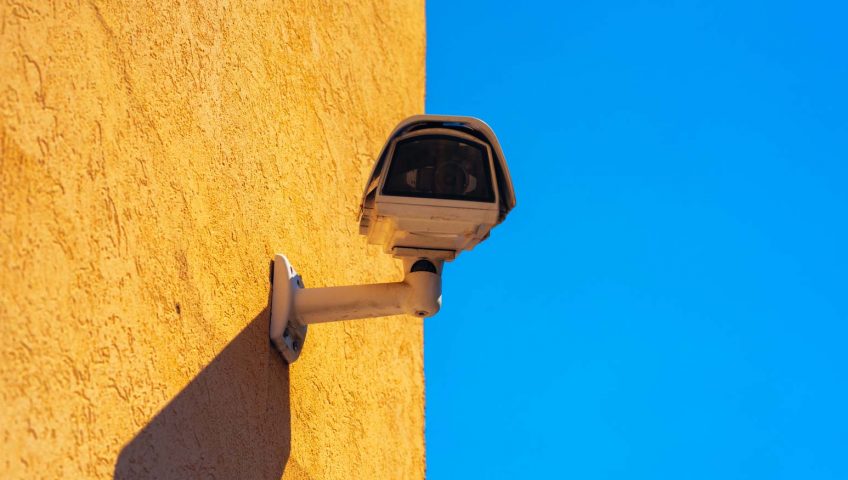
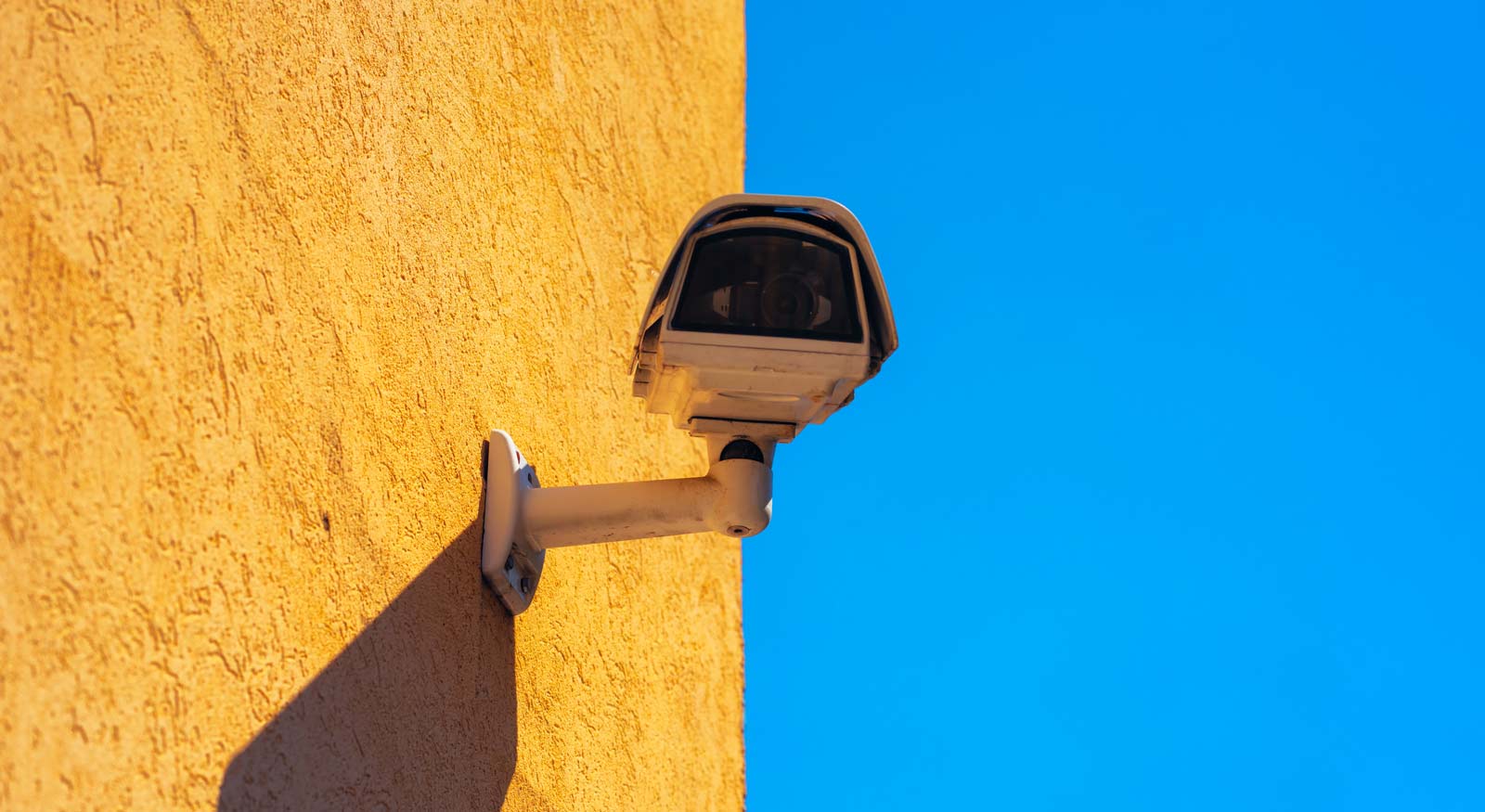
A CCTV device mounted on a yellow wall

Are Wireless Outdoor Security Cameras Really Worth It?
Every day we get someone asking us, “do you have wireless security cameras?” There are pros and cons, but the pros are a little more surface level and the cons may be unknown. So, if you’ve been looking into getting wireless security cameras for your home, we’ve written this article for you. Whether you are looking for night vision, cameras with lights, easy to install or professional or just something that connects to your phone. This is what you need to know about indoor and outdoor wireless security cameras. 


Are Wireless Video Surveillance Cameras Easy to Install?


Yes, wireless video surveillance is typically easier to install than professional or wired security cameras. That’s the number one reason to go with them. They typically have a monthly cloud storage fee for your video. The wifi can be spotty which can provide you with lackluster coverage from time to time and the they are more susceptible to be hacked. They are however easy to install. It might not take any experience for you to be up and running. It really comes down to what you are looking for. 


How Secure Are Wireless Security Camera Systems?

Wireless home security cameras are known to not be bulletproof as far as security goes. One of the big concerns is that a lot of wireless cameras are recording audio and video of your family and friends in your home. Interactions and conversations. That footage is then stored online. So, for a lot of people this is a no-go. Things like easy or default passwords make you more likely to be hacked. 


Security Cameras with Lights or Night Vision?

As for security cameras with lights vs night vision it mostly comes down to how close someone is likely to be to your camera if you catch them on video. When a dark night meets a bright light at a close distance you will have a blown out image of a person. Their face could appear completely white and lack the definition to make out who is actually in your yard. At a higher point in which the camera has at least a few feet to shine the light may prove to be perfect. 


An infrared camera can prove to be more of a consistent image no matter the distance of the subject to the camera. 


Amazon, Best Buy or Local for Security Cameras?


Wired vs Wireless Security Cameras?

One example of security issues arose when a certain brand of cameras were found to be very open to attacks from outside sources. The owners of a certain kind of camera with the CamHi app were urged to unplug devices immediately. 


Another issue is keeping your batteries charged in your device. If you are using a dead battery when something happens you aren’t going to have any footage at all. So, you may want to set reminders to install, recharge or replace batteries frequently. 


A pro of wired cameras is that they are not prone to the same poor quality wifi signal, hacking or unexpected batteries dying. This is why I believe that as the new car smell wears off on the technology that makes wireless cameras, more people are finding their way back over to wired.


Another reason to be weary of wireless is that while often easy to install, you are much more prone to seeing issues or not having a working system a year or so after you have it installed. Small changes like moving a mirror, refrigerator or other reflective surface may disrupt your signal causing you to lose video. All the way to major changes like taking a wall down or moving things in your room. Another potential issue could be your neighbor getting a wireless security camera and unintentionally meddling with the power or clarity of your signal. Be very wary of changes in your home affecting whether or not you get a proper signal.
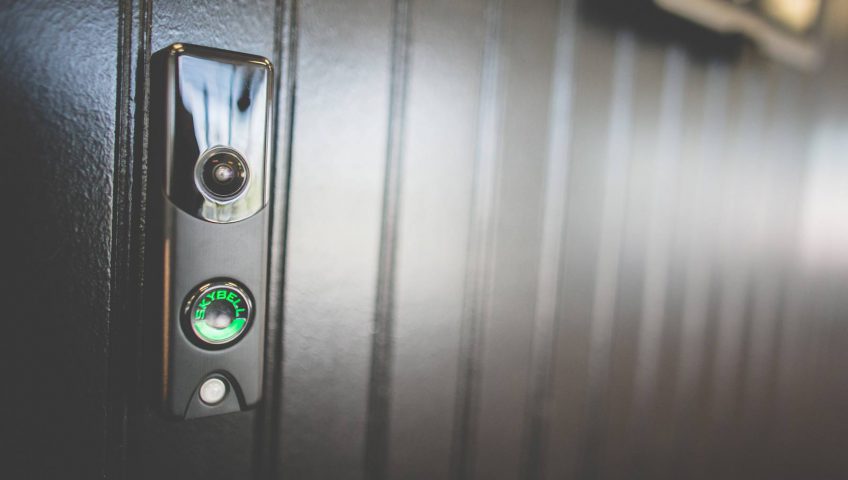

A black doorbell with a green button on it.

6 Reasons Why Every House Needs a Wi-fi Video Doorbell

A “wi-fi video” doorbell replaces your traditional doorbell. They include a camera for live video interaction and Security surveillance camera, two-way audio for communicating with people at your front door, and a sensor for proximity alerts. Here are the six reasons why each home needs a wi-fi video doorbell:

1. Keeping an eye on things while you’re away

Most video doorbells are equipped with security features such as cameras, motion sensors, and remote viewing app. You can use it to make sure your home is safe. Premium home security systems are easy to get set up. Video security doorbells can be a great addition.

Whenever you’re on vacation, you can check in and make sure your front door or entryway is safe. You can also keep an eye on mail or packages that are dropped off. Or perhaps, you can go directly to delivery man and tell him the best place to put your stuff.

2. To stay safe and secure

When someone rings your doorbell – especially if you do not expect visitors – there is no telling who it might be. Of course, it could be a postman or a friendly door-to- door salesman, but it could be an unscrupulous person. You never know who’s going to be, so you better stay safe than sorry.

The doorbell keeps you safe inside your home. When someone rings it, you can communicate without opening the door. Most are equipped with mic, spy pen and speaker so you can call out the visitors and they can respond.

3. You can interface with other Home Products

The beauty of a connected home is that all your devices can communicate with one another. Many home devices can do this through the central hub like Wink, while others can do it via Wi-Fi or Bluetooth.

It opens up a multitude of possibilities – For example, a wifi-video doorbell that synchronizes with a pen camera will allow you to see who’s at the door and unlock it – even if you’re not home. You can use it to have a family or friends in your home while you are away. You can use it to keep unwanted people out.

4. Because they’re more convenient than regular doorbell

When someone rings the doorbell, you can answer anywhere in your home. In fact, you can even answer when you’re not home. Simply open the smartphone app and look at who’s waiting for you.

5. You can communicate with visitors

One of the best features is that they come with two-way audio support. That is not only can you hear someone at the door when they talk; you can talk back. In other words, you can have the full-on conversation with someone at the door without opening it.

Believe us when we say that you will never understand the convenience of such things until you can take advantage of it. You can communicate with a delivery man or professional contact service, or tell guests to come to the back of the house.

6. They are easy to install

Many wi-fi video doorbells replace your traditional doorbell easily. It’s as simple as removing your old doorbell and installing the new one. You can always hire a professional who will do the job for you, but there is no need. They are easy to install.

A woman in sunglasses is holding a cell phone.

Top 10 Apps For Home Security Systems

UPDATED

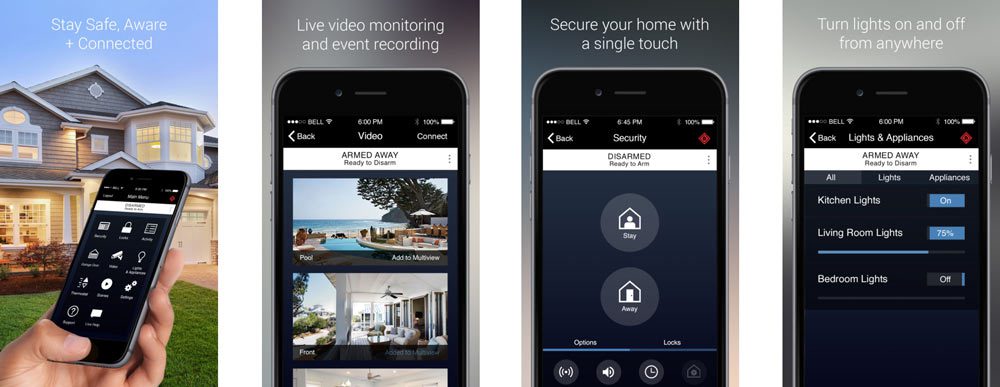
1. Guardian Security with Alarm.com

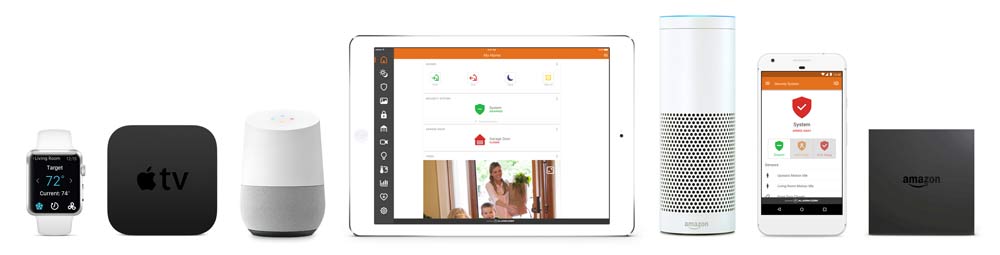
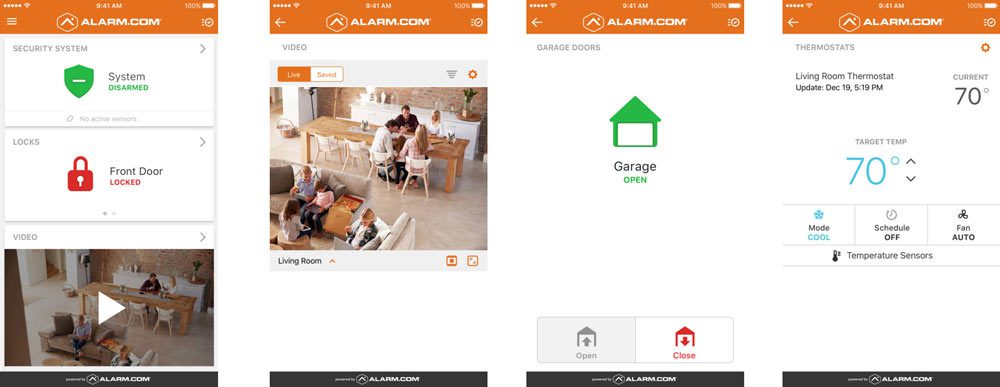
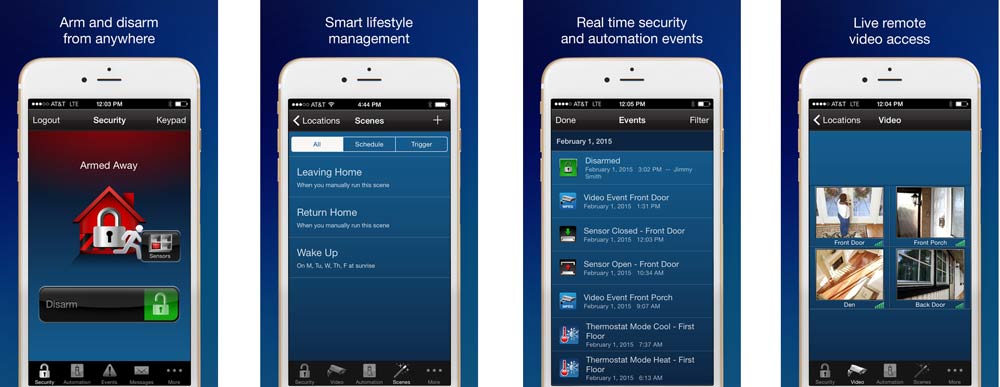
Alarm.com home security works with Guardian as well as a variety of alarm companies. The app functions so well that companies often choose it over creating their own. It’s compatible with smartphones, tablets, apple watch, voice controlled devices, Apple TV and Amazon Fire. Alarm.com also has a smooth interface that provides a quality user experience. All these factors and their great support have us ranking Alarm.com the #1 security app to use with Guardian or any other applicable security company.

2. Skybell HD

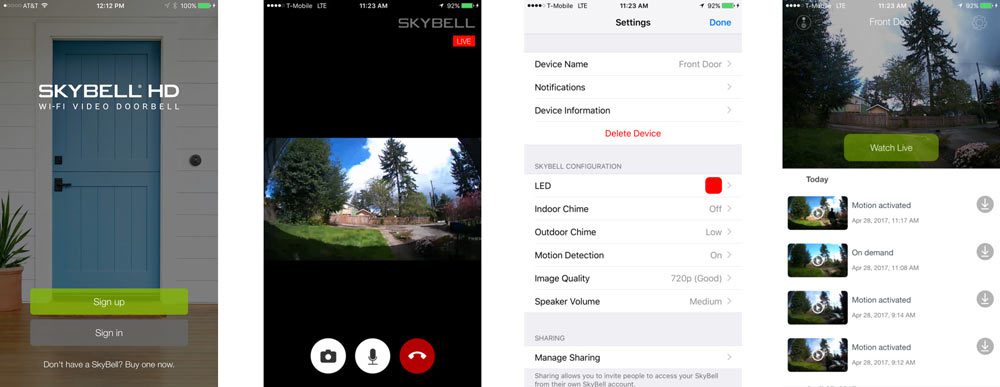
Skybell is the go to video doorbell app. It’s easily installed, works like a charm and has the best rating of the video apps in the app store. Skybell is simple. It’s strictly a hi def video doorbell that shoots video to your phone. But, it’s the one that works. When it comes to smart home apps, stability is key. The camera also integrates seamlessly into alarm.com

3. Broview

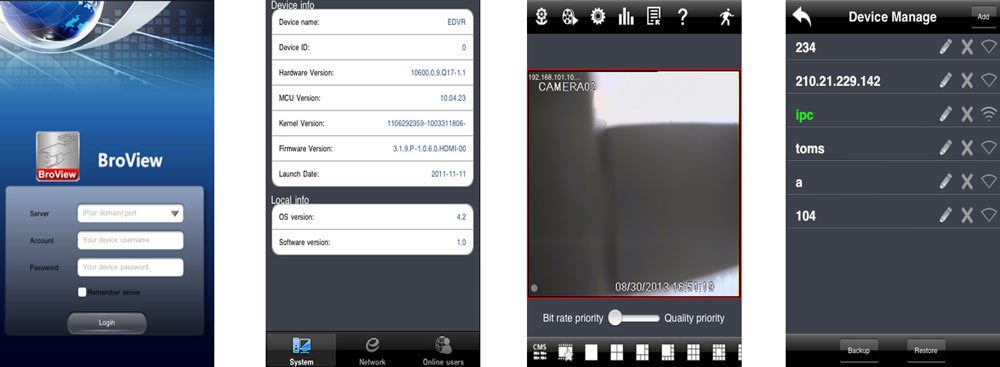
Broview is most likely the least visually appealing smart home app on the market. It looks like it was designed at the beginning of the internet. It makes me think of my iPhone 1. It is also cameras-only. However, it has proven with it’s 2014 dated interface to be one of the most reliable security apps on the market. Not to mention, not being proprietary gives you the freedom to hook it up to most camera systems.

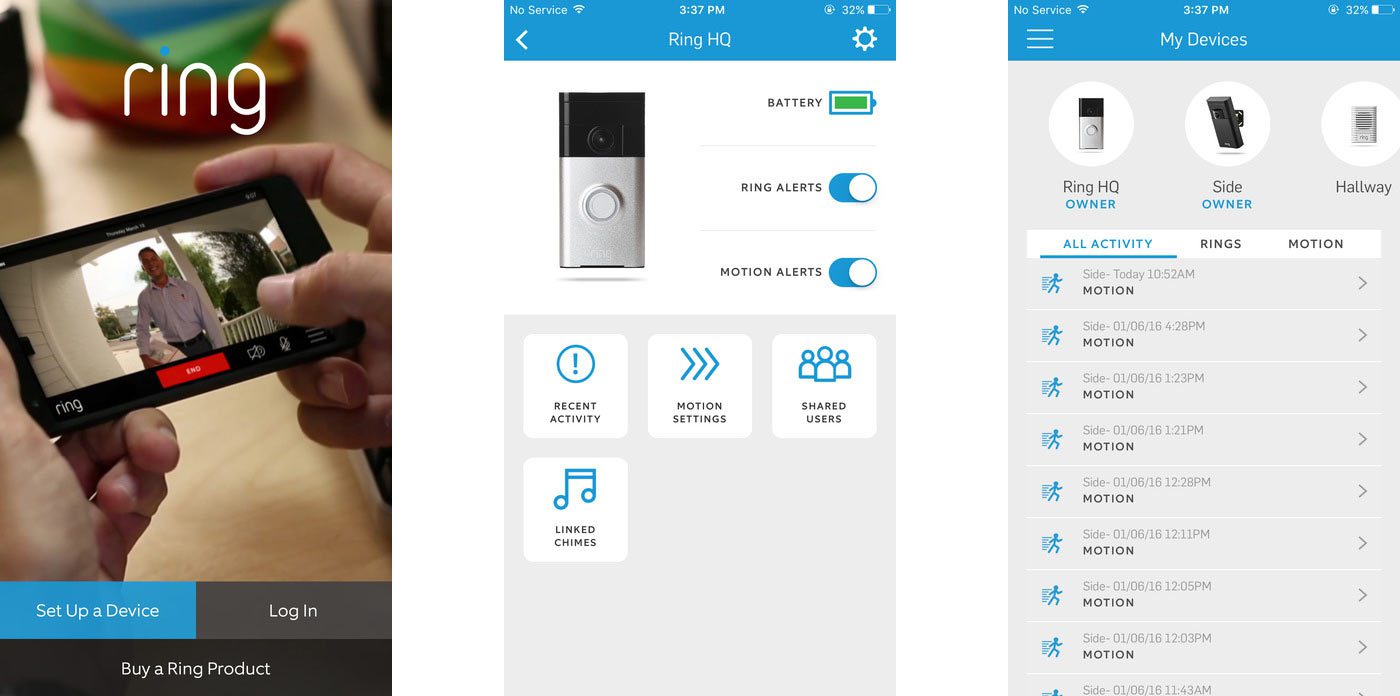
4. Ring.com

Ring.com is a simple, easy to use application that hooks up to your doorbell camera. It is proprietary, so you will have to use their camera. There are reports of the camera only recording people walking away, being set off by cars driving by or not loading. Aside from a few issues with connectivity and motion detection zone it is for the most part reported to be a positive experience.

5. Protect America

Protect America app is pretty standard in its ability to produce an event log, control home, z wave devices and more. So, it does have some amazing features that were not available years ago. However, it falls offline a bit, has a few negative reviews and complaints about login errors and the raising of monthly monitoring fees.

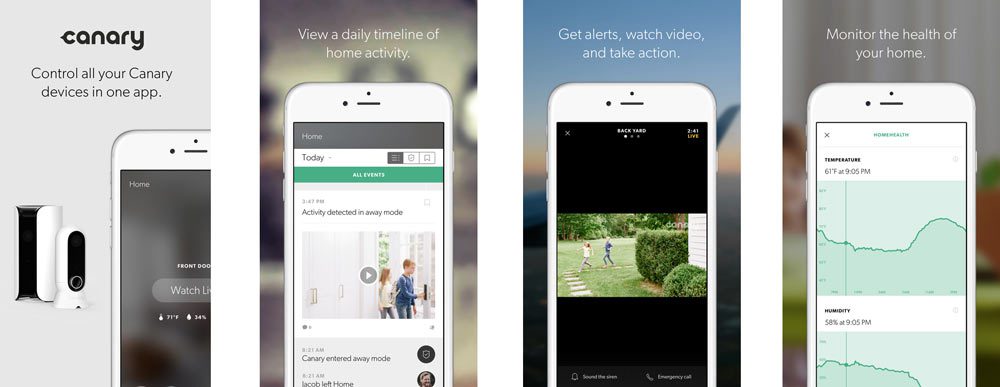
6. Canary

The most current version of Canary does not have enough reviews to fully gauge how it’s working for everyone. It may not be firing on all cylinders. A few users reported lagging. Battery draining has been an issue based on a lack of geofencing. It has also been switching modes on people. You may check back for further updates. The system itself if designed beautifully, so there is a lot of potential. However if it doesn’t work the bugs out it may be all for not.

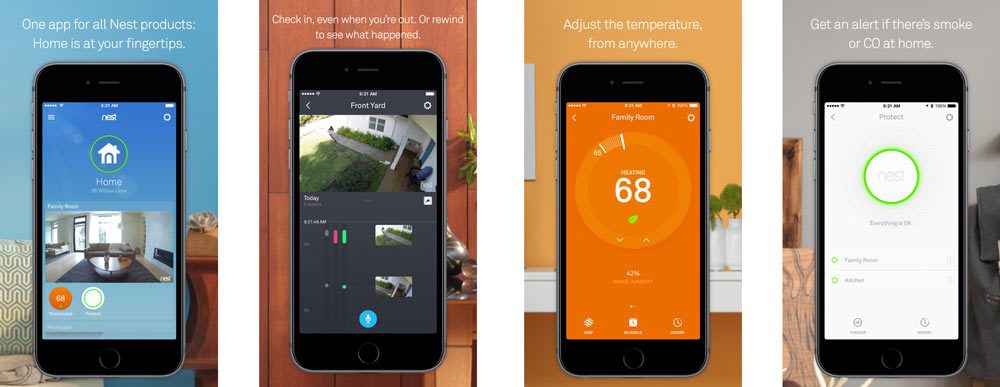
7. Nest

The Nest app links into your homes thermostat, carbon monoxide alarm and cameras. All for the price of around $250. As with most home security apps, it does have some negative feedback. Users report not having a proper connection. Having to be at the house to troubleshoot can be a burden if the point of the system is to control it from anywhere.

8. Total Connect by Honeywell

Honeywell has a long standing reputation of excellence, innovation and sustainability. Their smart home application Total Connect is for the most part no different. It’s easy to use features are easy on the eyes and a breeze to use. The learning curve is null as you logon to control your thermostat, z wave devices and more. Cons: a few users have reported issues with the app crashing and having reliability issues, but it does not seem like the norm.

9. Skyapp by Vivint

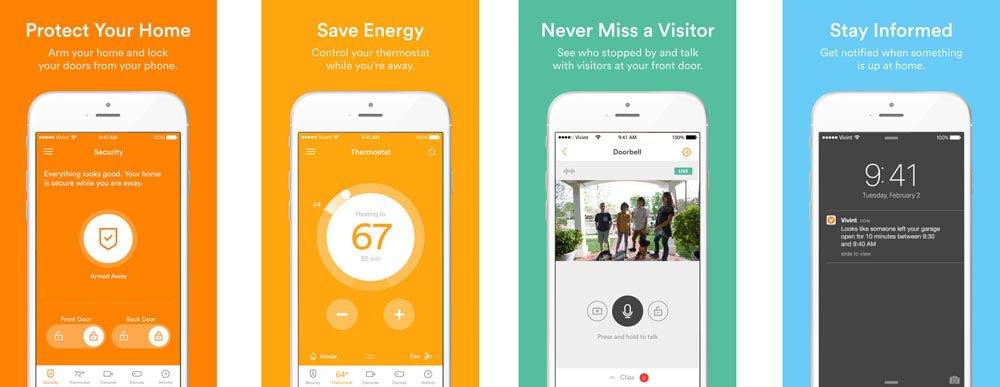
Based on a variety of factors, vivant is perhaps the most expensive company you can go with. They have great advertising material and are widely used, however many users tell a different story. The system has a lot of glitches. The app is said to not usually work, indicate it is armed when it’s not and generally not have all functions working at the same time. The interface is nice though.

10. Pulse by ADT

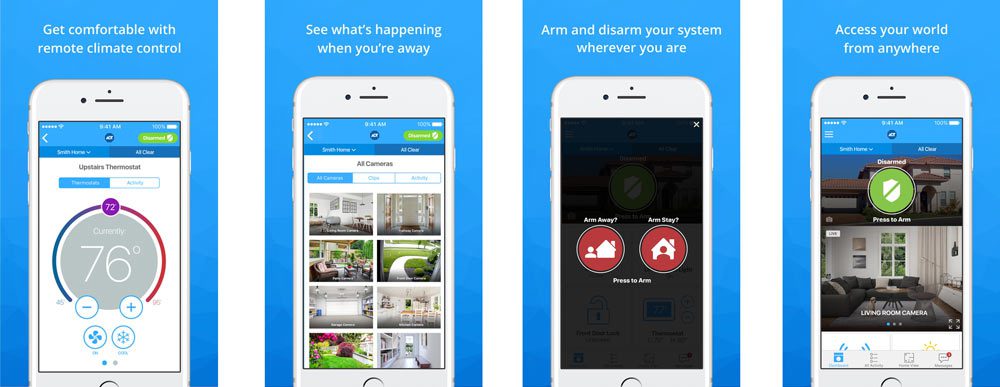
ADT has been in business for over 140 years in some capacity. They have been quick to adapt to Alexa and use it as a big selling point. The current version of Pulse, while more sleek is drawing a low star rating and being reported by many as non functional. As with all apps user experience may vary. If you are considering purchasing, make sure you check the current reviews on iTunes. When everything is on the up and up the Pulse is quite sleek, but reliability is currently an issue. (Last Update July 26th)